BOAT FIX HELP CENTER

Answers that get you back to boating.

Quick, practical walkthroughs for the Boat Fix Pro app. Find the feature you need, watch the short tutorial, and get back to enjoying the water.

Popular help topics

● LIVE SUPPORT 24/7

Protect Mode

Security & movement alerts

Battery Voltage

Monitor boat health

Trip Playback

Review past movement

Weather

Conditions in the app

10 QUICK WALKTHROUGHS

Find your answer. Watch. Go.

Boat Fix Pro is designed to keep important information close at hand. These short tutorials show exactly where to find key features and how to use them without digging through a long manual.

APP BASICS

App Basics

Get comfortable moving around Boat Fix Pro and using the tools that keep routine boating tasks organized.

APP BASICS

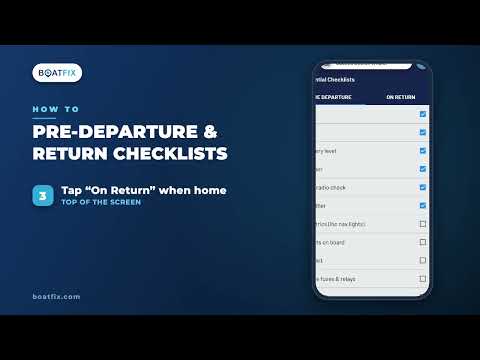
Where can I find and use Boat Fix checklists?

Learn where checklists live in the app and how to use them as a simple, repeatable way to stay organized before getting underway.

APP BASICS

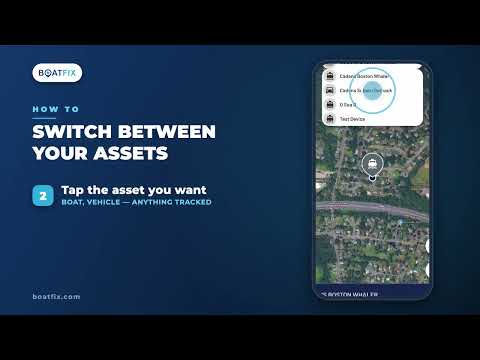
How do I switch between boats or assets?

If your account includes more than one vessel or tracked asset, this walkthrough shows how to move between them and view the correct information.

MONITORING & SECURITY

Monitoring & Security

Stay connected to the boat when you are away from it with battery visibility, alerts, and Protect Mode.

MONITORING

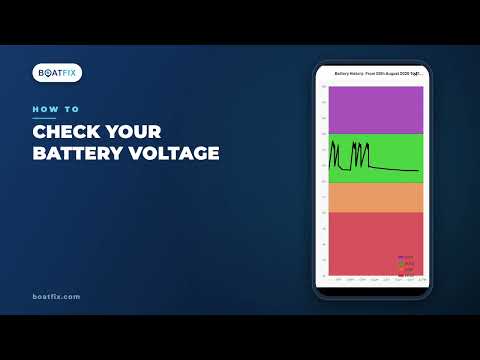
How do I check my boat’s battery voltage?

See where Boat Fix Pro displays current battery voltage so you can quickly check power status before a trip or while you’re away from the boat.

ALERTS

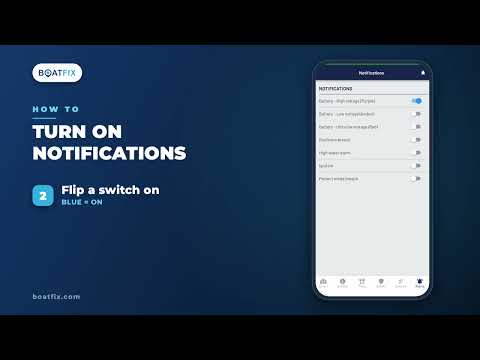
How do I enable Boat Fix notifications?

Make sure app notifications are turned on so important Boat Fix alerts can reach you when something on your vessel needs attention.

SECURITY

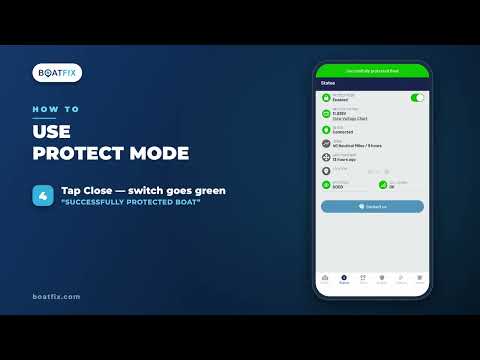
What is Protect Mode and how do I use it?

See how to activate Protect Mode when your boat is secured so Boat Fix can help you stay aware of unexpected vessel movement.

MAPS & TRIPS

Maps & Trips

Use location tools, trip history, and weather information to add context before, during, and after a day on the water.

MAPS & TRIPS

How do I change the map type?

Switch between available map views to get the visual context that works best for checking your boat’s location and surrounding area.

MAPS & TRIPS

How do I review a previous trip?

Use Trip Playback to revisit past boat movement and see the route captured by Boat Fix, useful for reviewing where and when the vessel traveled.

WEATHER

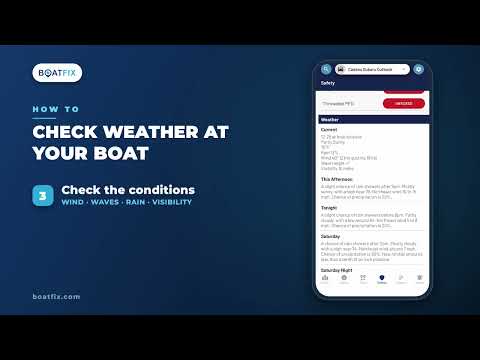
Where can I find weather in Boat Fix Pro?

Find location-based weather information inside the app so conditions are easy to check alongside the rest of your boat’s live information.

SAFETY & SUPPORT

Safety & Support

Find the safety checklist and know how to reach Boat Fix when you need a real person.

24/7 SUPPORT

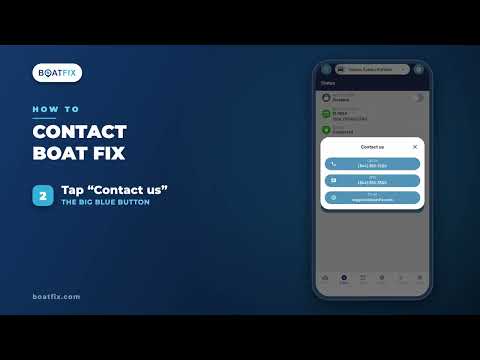
How do I contact Boat Fix from the app?

Find the quickest path to Boat Fix support when you have an account question, need assistance, or want help from the 24/7 Mechanical Advisory Helpline.

SAFETY

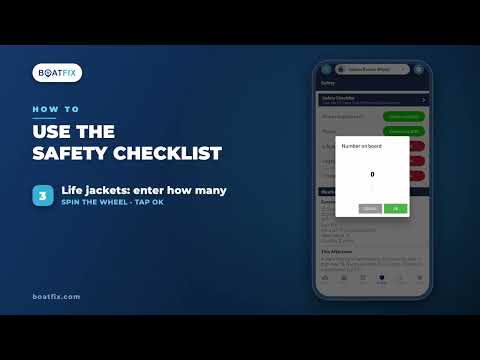
How do I use the safety checklist?

Use the Boat Fix safety checklist as a quick pre-departure routine to help make sure key safety items are covered before leaving the dock.

STILL NEED A HAND?

Real people. Real help. 24/7/365.

If a video doesn’t answer your question, Boat Fix pairs the app with live customer support so you can talk to a real team member when you need help.

24/7 MECHANICAL HELP · ACTIVE ACCOUNTS

No automated hold maze. Boat Fix answers calls around the clock.